01 / into your network Your network.Revealed. Discover connected devices, inspect open ports and understand your network security posture.
v1.3.1 Windows 10/11 x64 License GPL-3.0 Price free
////// Manifesto Every network has a hidden structure. Lanora shows it to you in plain language, on your own computer.
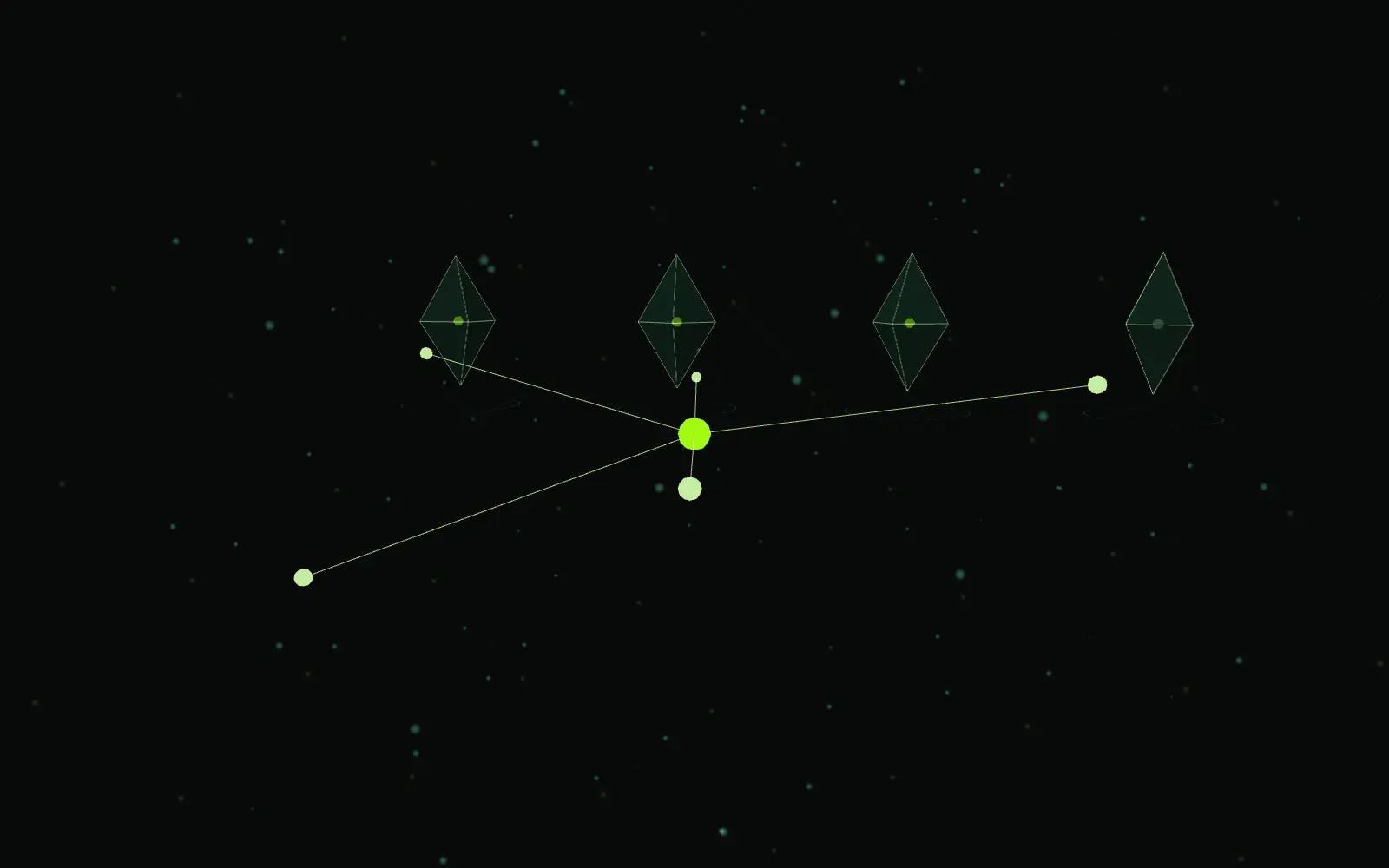
02 / network discovery Every network has a hidden structure. Lanora finds what answers on your directly connected network: ICMP, the ARP neighbor table and limited TCP evidence, with offline vendor lookup.
Addresses probed 0 Devices found 0 Sample data
Gateway 192.168.2.1 This computer 192.168.2.115 Printer 192.168.2.40 Unidentified device 192.168.2.88 TV 192.168.2.33 Storage 192.168.2.20 Phone 192.168.2.57 03 / device intelligence Know what is connected. Name, IP address, MAC and vendor when available, a device type estimate and how it was found.
Random (privacy) MAC addresses get no vendor. Lanora marks them "uncertain" instead of guessing.
04 / port discovery See what is exposed. Quick, Standard and Custom profiles check TCP ports, with HTTP, TLS and banner evidence. The advanced scan adds native UDP probes.
An open port is not automatically a problem. What matters is which service is behind it.
05 / security intelligence Data is not enough. Understanding matters. Every finding comes in four parts, in plain language.
90 OF 100 Small steps. A better understood network. Coverage 90% · 1 priority finding Sample data
R04 · 445/TCP · This computer File sharing (SMB) Observed TCP 445 is open; this port is used for Windows file and printer sharing (SMB). What it means File sharing is common on local networks. What matters is who can access the shared folders. What to do If you do not need sharing, consider turning it off. If you do, review share permissions, keep guest access disabled, and keep the system updated. How to verify Rescan with the same network and profile to compare the port state. R06 · 80/TCP · Gateway Web interface (HTTP/HTTPS) Observed TCP 80 is open; the device may offer a web service. What it means Routers, printers and smart devices often use a web interface for management. This alone is not a problem. What to do Make sure the admin interface does not use a default password and that the firmware is up to date. How to verify This informational item does not affect the score. You can check the version on the device's admin page. 06 / reports Turn discovery into intelligence. Network overview, devices, open ports and findings, as a PDF or Excel report, or as text, JSON and CSV from the command line.
PDF XLSX JSON CSV
# PDF report
Summary · Devices · Open ports · Findings
one file per scan, in English, Turkish or German
07 / local-first Your network. Your data. Your control. The interface listens only on 127.0.0.1. Nothing is reachable from other computers No account, no cloud, no telemetry. Scan results never leave your computer Your data stays in %LOCALAPPDATA%\Lanora. Retention setting · delete one scan or all data Scanning sends probes to the addresses you choose. The standard scan stays inside your directly connected private network, at most 256 addresses. Only scan networks you own or are authorized to test.
08 / open source Explore.Secure. GitHub Docs Releases Issues
Lanora-1.3.1-Setup-x64.exe or the portable ZIP. Not code-signed yet, so SmartScreen may warn; check the files against SHA256SUMS.txt in the release.